
For the builder
Repeatable model architecture and a coherent product option.
For yacht builders
GlassBridge turns the equipment already specified for a yacht into one repeatable, builder-branded digital platform from set-up and testing through ownership and after-sales.
Builder accountability
GlassBridge gives the builder one accountable owner for the digital experience and integration layer while preserving freedom to select specialist marine suppliers.
Agree the interfaces, responsibilities and acceptance criteria once, then carry that shared configuration through commissioning, handover and service.
For everyone involved in the yacht programme
Repeatable model architecture and a coherent product option.
Defined interfaces, which systems stay in control and validation.
One coherent digital experience across the yacht.
Configuration, diagnostics, stored history and controlled support.
A digital relationship that can continue after yacht delivery.
A practical first step
A builder can start with one yacht model, keeping the rest of the range as it is.
Map navigation, propulsion, power, switching, HVAC, AV, networking, security, cameras, connectivity, guest and crew systems, and service requirements.
Request OEM demoAgree the equipment, users and original-control boundaries.
List readings, allowed actions and interfaces that need testing.
Define builder identity, model workspace and handover.
Set acceptance criteria for live data, failures, permissions and recovery.
Show the agreed functions on the specified equipment.
Install it on one yacht, test it, and keep the sign-off record.
Builder-defined identity
The underlying equipment suppliers can remain. The experience presented to the customer belongs to the yacht builder. An OEM programme defines the visual identity and delivery scope.
Concept identity · Coastal blue
MODEL 60
Welcome aboard.
Owner · Guest · Handover · ServiceConcept identity · Warm bronze
MODEL 78
Welcome aboard.
Owner · Guest · Handover · ServiceConcept identity · Quiet silver
MODEL 92
Welcome aboard.
Owner · Guest · Handover · ServiceFictional visual-identity studies, not product screenshots, customer brands or shipped OEM portals. Full branding scope is agreed and validated for each programme.
Builder colours, model imagery, welcome presentation and guest-facing identity.
Navigation context, machinery and onboard functions organised around the yacht architecture.
Agree the owner portal, dealer and service presentation, handover environment and Cloud branding as part of the OEM scope.
System architecture
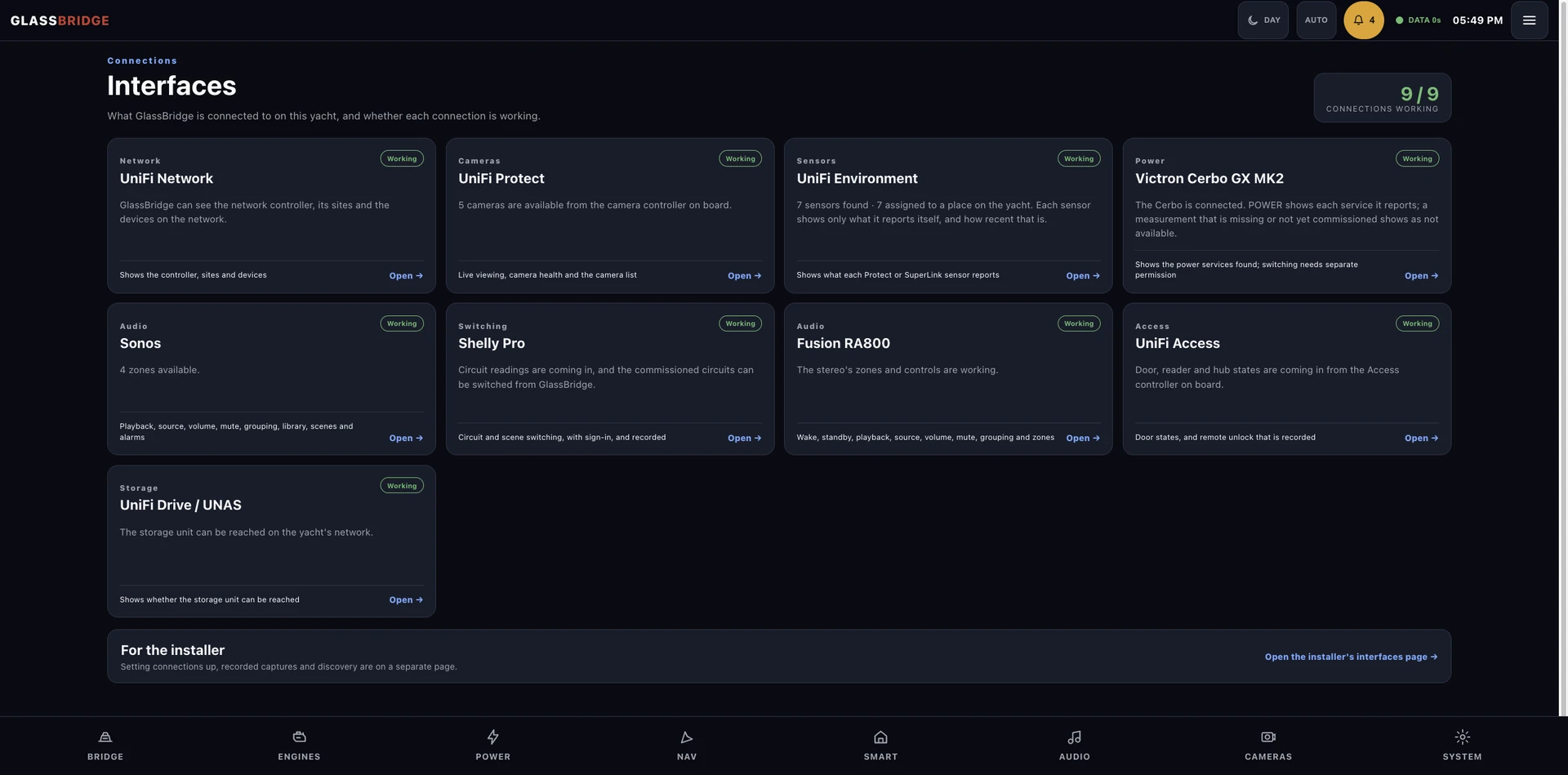
Navigation stays navigation. Propulsion stays propulsion. GlassBridge connects the experience through approved interfaces.
Integration + Experience + Intelligence + Lifecycle
Approved data connections · allowed actions · equipment-specific set-up and testingBuilt for production yachts
Define a repeatable digital architecture for a model. Retain the freedom to choose specialist marine suppliers.
A model template sets the equipment interfaces, display locations, roles and acceptance criteria. Each hull still needs its own device identities, data checks and installation test record.
Repeatable architecture supports production consistency. Each hull still needs physical checks, set-up and testing.
Why builders care
Use common digital surfaces for non-critical functions where appropriate.
Define repeatable yacht templates and per-hull acceptance.
Agree integration maps, responsibilities and acceptance criteria.
Provide controlled diagnostics and equipment and update details.
Carry configuration and service context beyond handover.
Present third-party equipment through a coherent builder identity.
Keep specialist marine systems in control of their own functions.
Continuity beyond delivery
Connect the model definition, installed configuration and service context. GlassBridge can remain with the yacht while the builder’s digital relationship continues beyond handover.
Model template · equipment specification · integration definition
Installed equipment · device identities · configuration
Validation · acceptance · system status
Owner documentation · captain orientation · configuration record
History · alerts · documents · configuration
Diagnostics · maintenance · controlled support
Record equipment and configuration changes
Review configuration and documentation
Continue the customer relationship
Lifecycle programme scope: the record depends on the information collected and the services agreed. Resale assurance and cross-yacht continuity are programme objectives, not automated certification or a guarantee of complete history.
Product demonstration
Arrange a live session around your equipment, display choices and onboard workflows.
Planning your installation
No. GlassBridge works alongside the yacht’s original controls.
No. The installation follows the selected model, equipment architecture and interfaces.
Yes. The first engagement can define the product layout, integrations and handover workflow around one selected yacht model.
The review starts with the equipment already aboard and the interfaces it makes available. Retained equipment can be included where compatibility is established; required changes are identified in the installation scope. Review marine integrations.
The builder or refit yard, marine integrator and GlassBridge team agree the displays, modules, roles and acceptance criteria before handover.
Bring the yacht model or refit context, systems list, available interfaces, display locations, project timing and handover target. Contact GlassBridge to arrange the review; sensitive installation details belong in an agreed secure channel.
Your installation
Tell us about the yacht, its equipment and the experience you want aboard. We can define the next step around your installation.
Request OEM demo