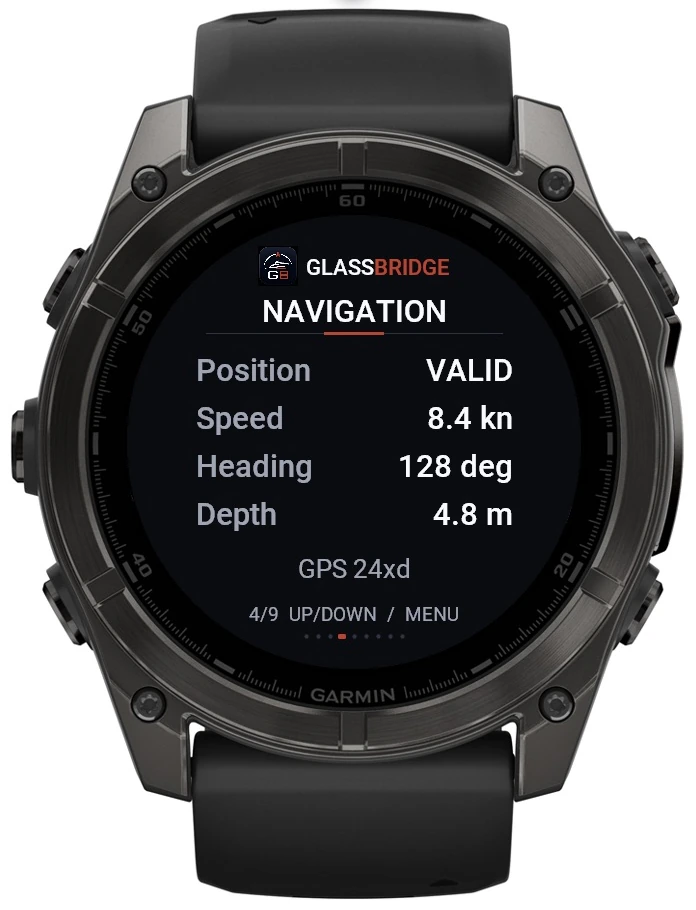
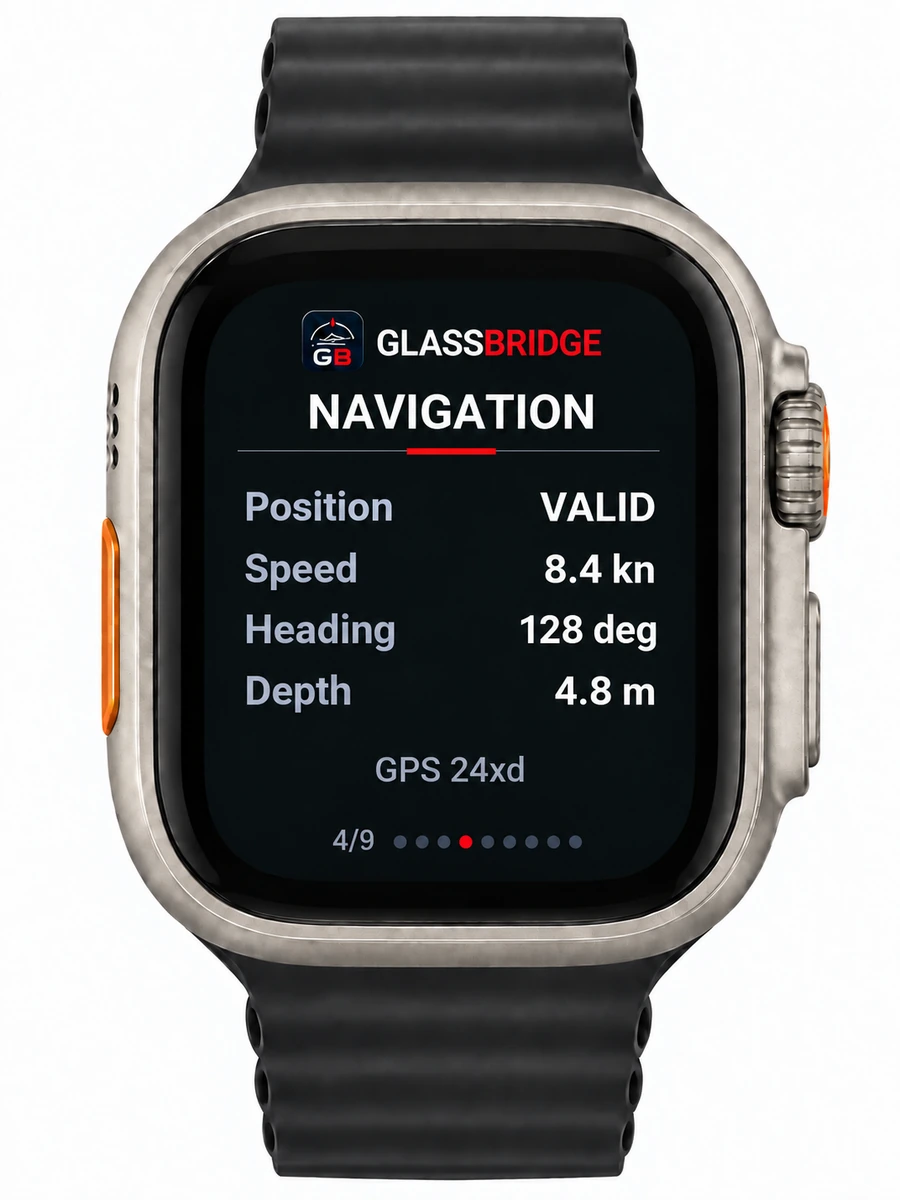
The yacht at a glance
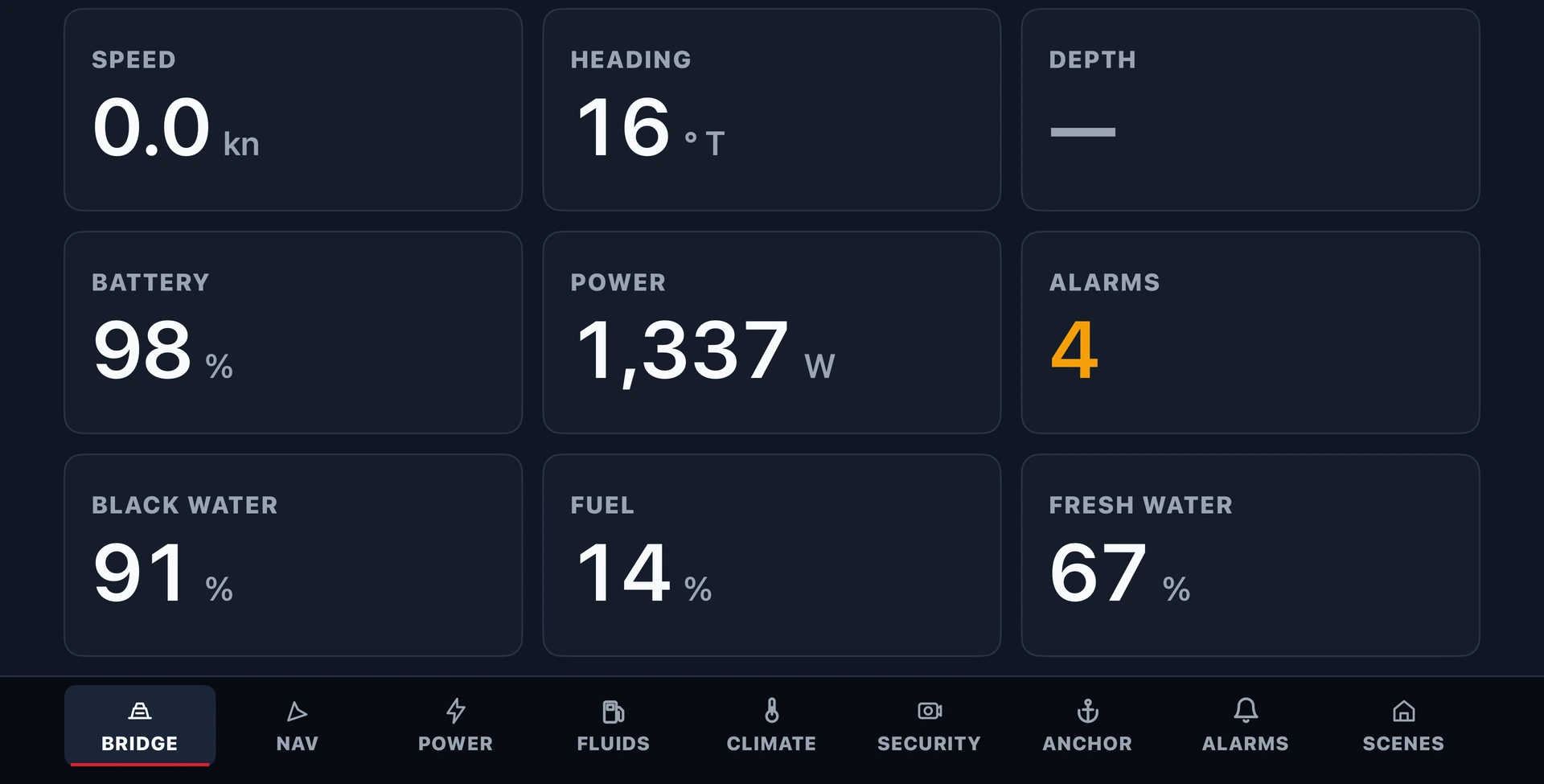
Review speed, heading, battery state, power, tank readings and the current alarm count in the Bridge overview.
GlassBridge Experience · Captain and crew
Monitor the yacht from crew-room Apple TVs, review the operating picture and keep crew responsibilities clear before the next watch.
Apple TV for crew rooms
Use GlassBridge Crew on Apple TV in crew cabins, the crew mess and shared crew spaces. Review yacht status on the TV with the Apple TV remote.
Move between Bridge, Navigation, Power, Fluids, Climate, Security, Anchor, Alarms and Scenes without opening a laptop or carrying a tablet.
Readings follow the yacht’s configured systems and the display’s permissions. Original navigation equipment, safety systems and onboard procedures remain in charge.
Review speed, heading, battery state, power, tank readings and the current alarm count in the Bridge overview.
Open the relevant page for power, fluids, climate, security, anchor status or alarms.
Keep the operating picture available in crew spaces while the crew ledger records presence and assignments separately.
Today
An operational briefing across the existing product areas. Actual data appears only from configured equipment.
Review current readings, stale data and alarm history.
See the onboard monitoring viewReview current stays and the crew request inbox.
See the guest experienceFuel, fresh water, holding tank, engine and generator readings depend on the sensors and settings fitted to your yacht.
Review power and vessel systemsReview available shore, generator, inverter and local connection status.
Review power and vessel systemsReview stored history; define due items, defects and service responsibilities within the agreed workflow.
Review trends and diagnosticsDefine task, tender and weather requirements in the yacht’s operating brief.
Plan a builder programmeManual crew ledger
The ledger remains the crew’s primary local record while keeping nearby owner, service and operating workflows easy to reach.
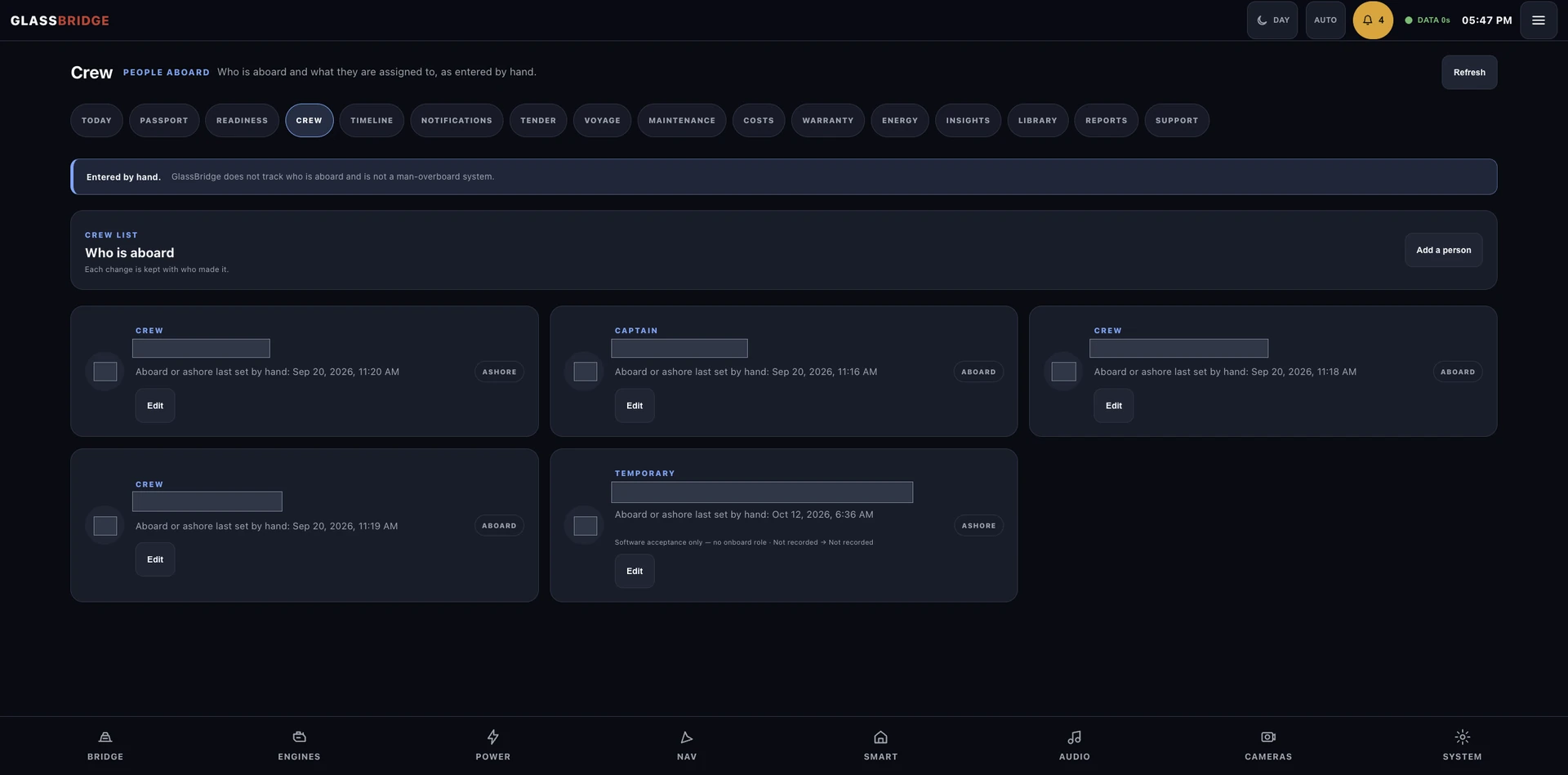
Crew-maintained record: Authorised crew update presence manually. Continue to use the yacht’s dedicated man-overboard systems and procedures.
Roles across the yacht
Roles explain who the experience is designed around; installation-specific access remains governed by the yacht's approved permissions.
Sees the wider vessel context and the access model prepared for the yacht.
Coordinates assignments and reviews the manually maintained people-aboard record.
Relates engineering assignments to readiness, maintenance and energy workflows.
Works from operating assignments and guest requests routed to the crew inbox.
Connected operating context
Crew Operations links people and assignments to the existing operating areas while keeping the crew record and related workflows easy to reach.
Owner context, daily readiness and voyage workflows remain close to the crew record.
Maintenance, warranty, energy and technical-library areas support engineering follow-through.
Guest Experience, service coordination, notifications and support stay accessible from the operating surface.
Timeline, cost and reporting areas retain the wider vessel record around the crew workflow.
Three separate boundaries
No access record, camera observation or network signal silently becomes a crew-presence fact.
The people-aboard register keeps presence, assignment and editor attribution.
Time-limited onboard access prepared for a guest visit, not a crew-presence record.
Review Guest Experience →Invitation-only, authenticated vessel monitoring with its own identity boundary.
Review GlassBridge Cloud →Aboard your yacht
Before handover, an authorised crew member updates the people-aboard record and current operating assignments. The captain can review who is recorded aboard, what they are responsible for and who made the last change.
Use the related readiness, maintenance and vessel workflows for the work itself. Guest invitations and steward preparation remain in Guest Experience; a Cloud account provides separate vessel access.
Crew Operations planning
Crew Operations scope follows the yacht's operating structure, assignment model and approved permissions.