

Helm display
A fixed 21.5-inch display computer for the local interface.
Product demonstration
Watch GlassBridge in use, then explore product screens, hardware and integrations. Arrange a live demonstration around your yacht’s equipment.
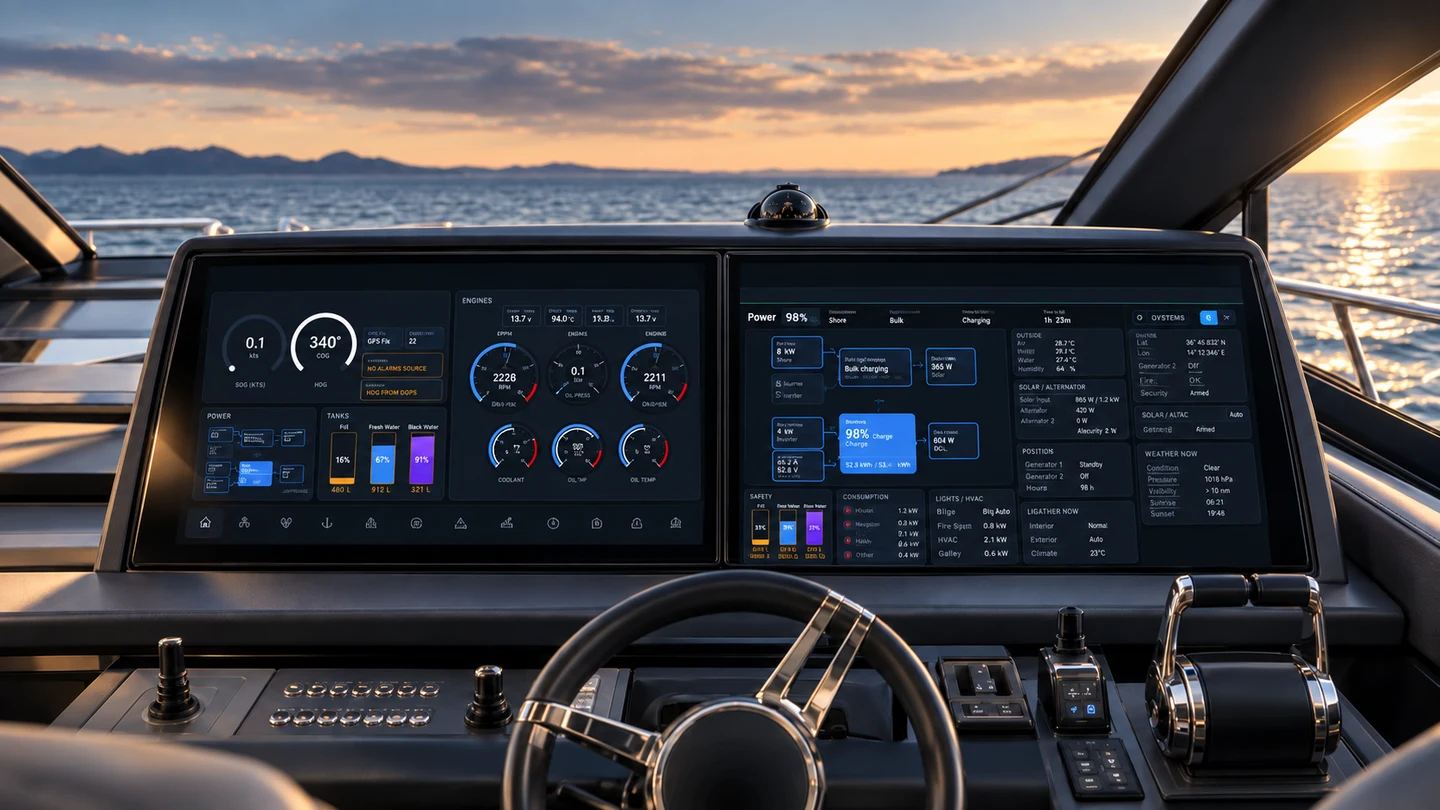
1 · Recorded product demonstration
Silent walkthrough with on-screen explanations, including simulated engine readings and an alarm example. Functions follow your yacht’s equipment and permissions.
2 · Actual product screens
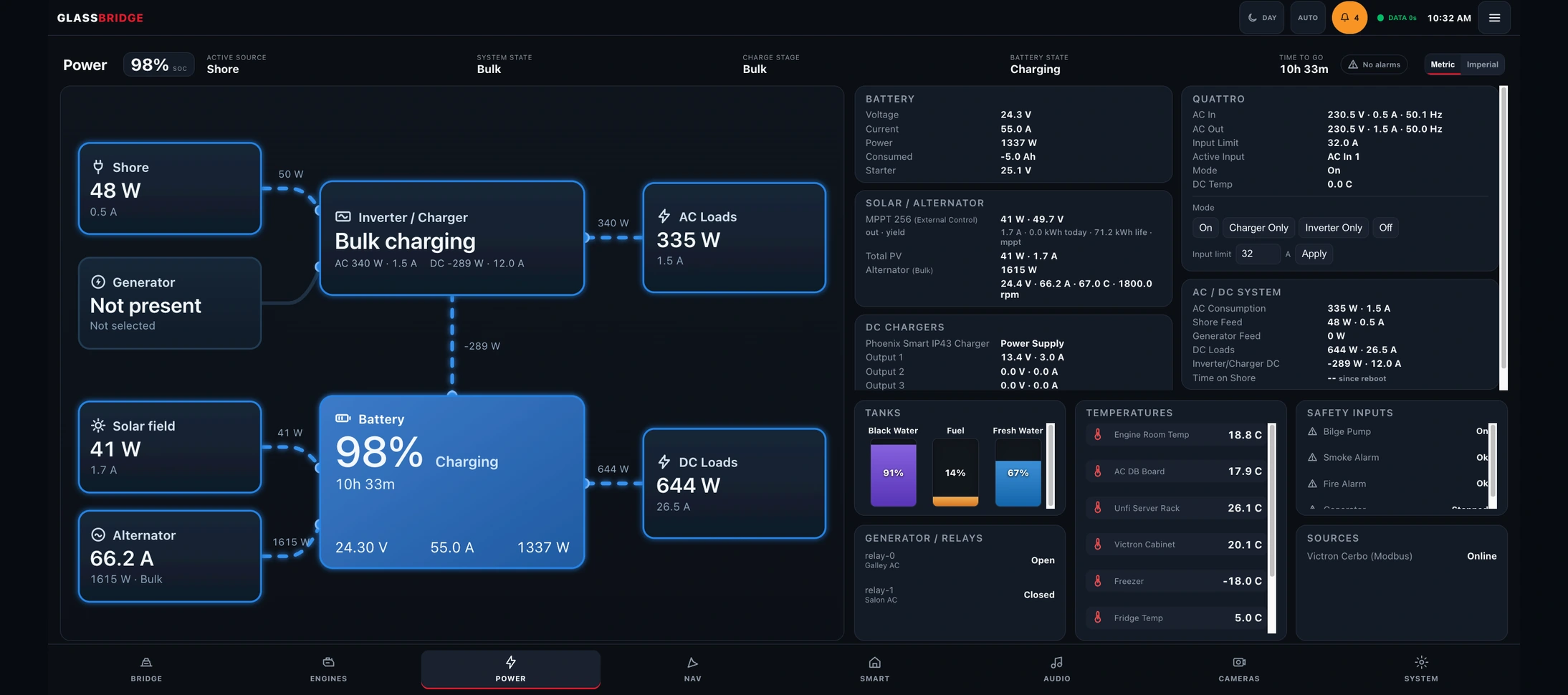
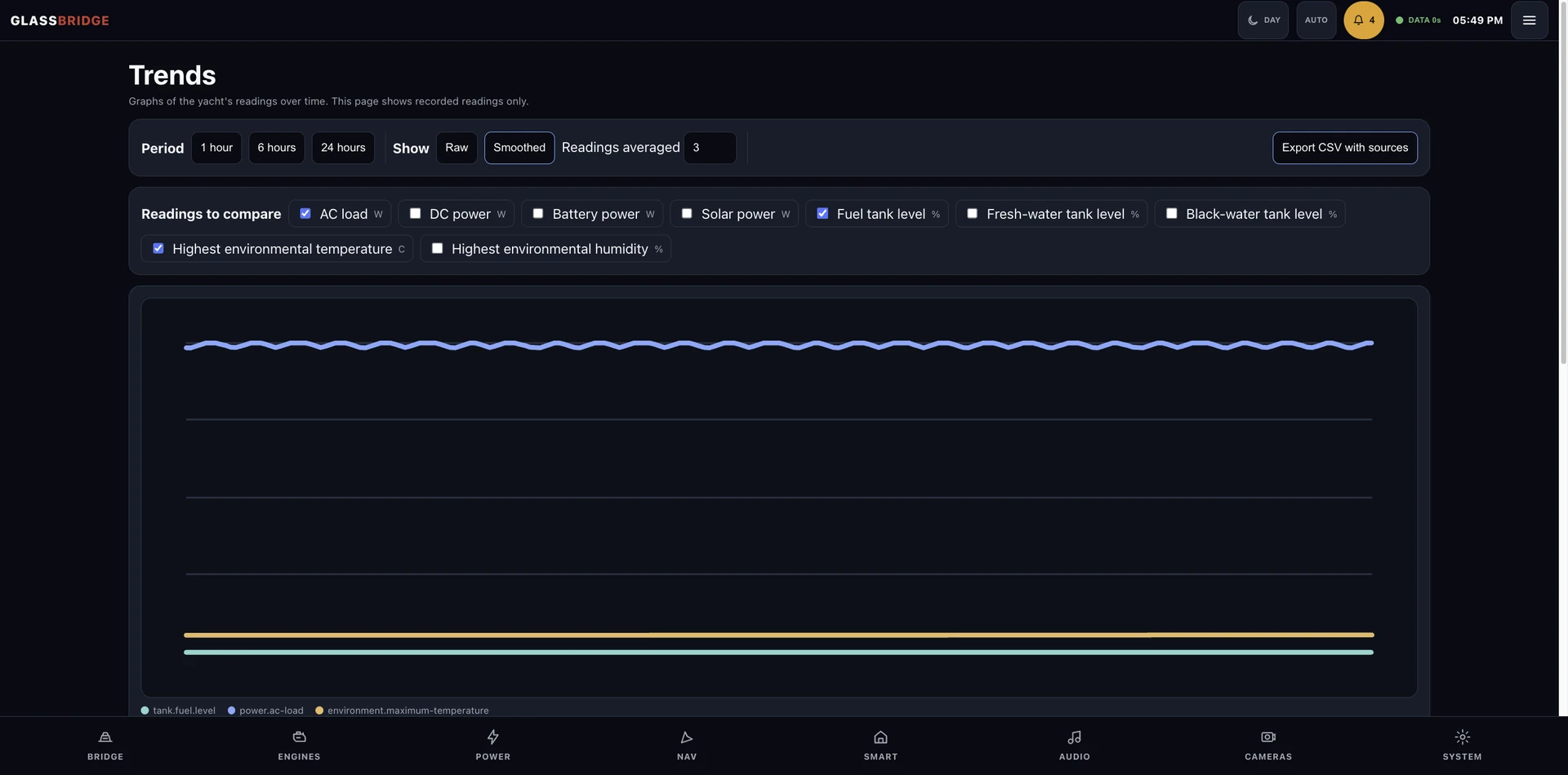
Explore connected equipment and integration results on See it working.
GlassBridge hardware
A fixed 21.5-inch display computer for the local interface.

A removable companion display for interior spaces.
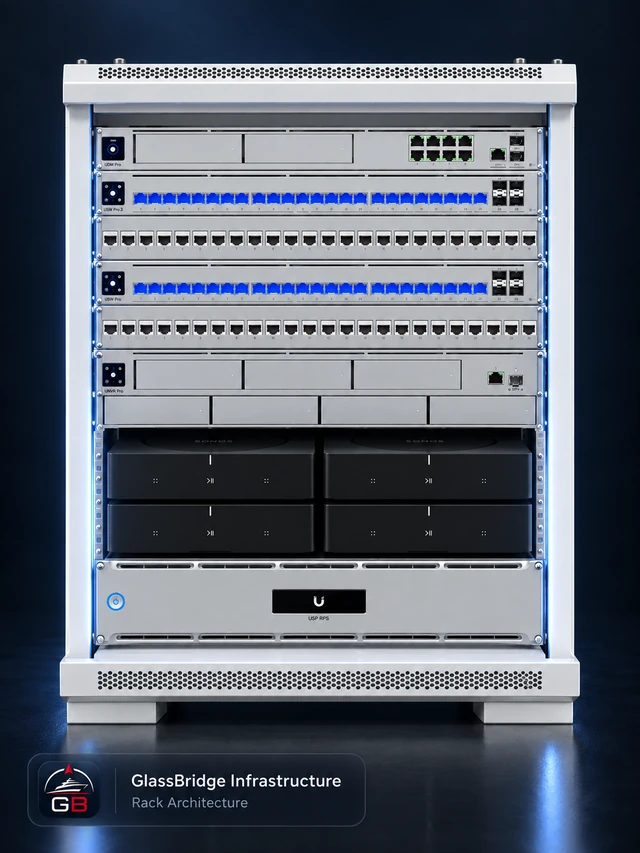
Local computing, networking, recording, storage and protected power.
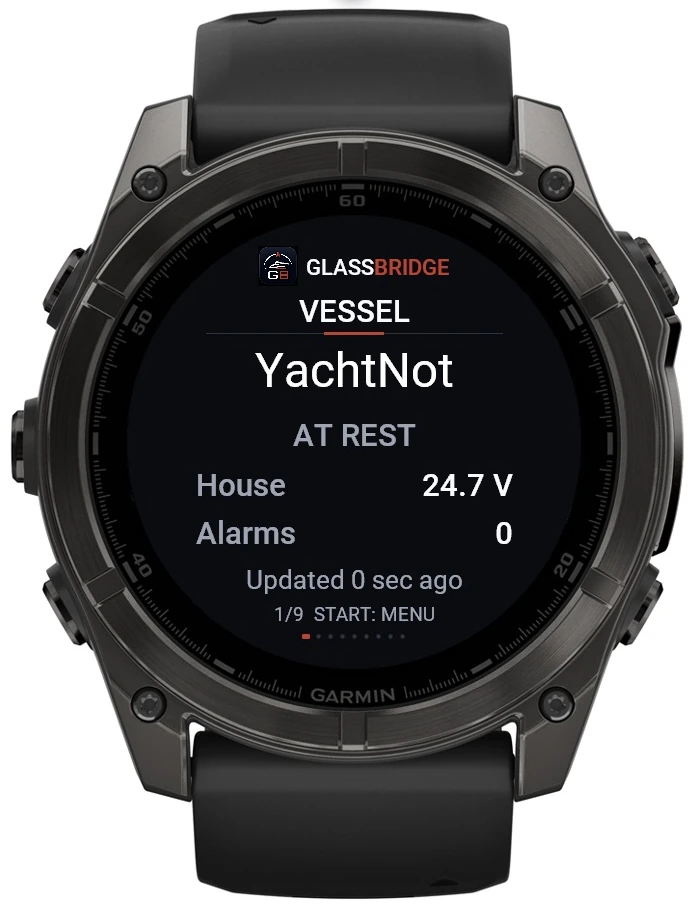
Nine vessel screens on Garmin Quatix 8 and Apple Watch Ultra.
Approved product imagery and equipment illustrations. Display specifications and integration checks are detailed on the hardware pages.
Explore all hardwareWorks with
Start with your equipment list. The integration matrix records the exact hardware evidence, supported readings and allowed actions.
Functions vary by equipment model, interface and installed and tested configuration.
Review integration evidence5 · Live demonstration
A live session is arranged separately from the film. Review the connected equipment and the functions relevant to your project with the GlassBridge team.
Owners & refits · Yacht builders · Delivery and set-up
Request a live demo