
Camera and event coverage
Camera inventory, viewing and event coverage are checked separately for the installed camera and recorder interfaces.
GlassBridge Guardian
GlassBridge Guardian brings supported camera events, sensor readings, alarms and incident evidence together for crew review.
Installation scope
Camera inventory, viewing and event coverage are checked separately for the installed camera and recorder interfaces.
Incident correlation and footage audits use the events, media references, timestamps and retention available from installed and tested equipment.
People assess the evidence and record the response. Gaps in equipment data and uncertainty remain visible.
The published UniFi Protect 7.1.87 evidence verifies NVR and camera inventory. Event, streaming and recording coverage require separate installation checks. Review the equipment evidence →
GlassBridge Guardian · Product Film
See how Guardian keeps AI events, camera evidence, footage audits and alarms together for crew review.
Connected security
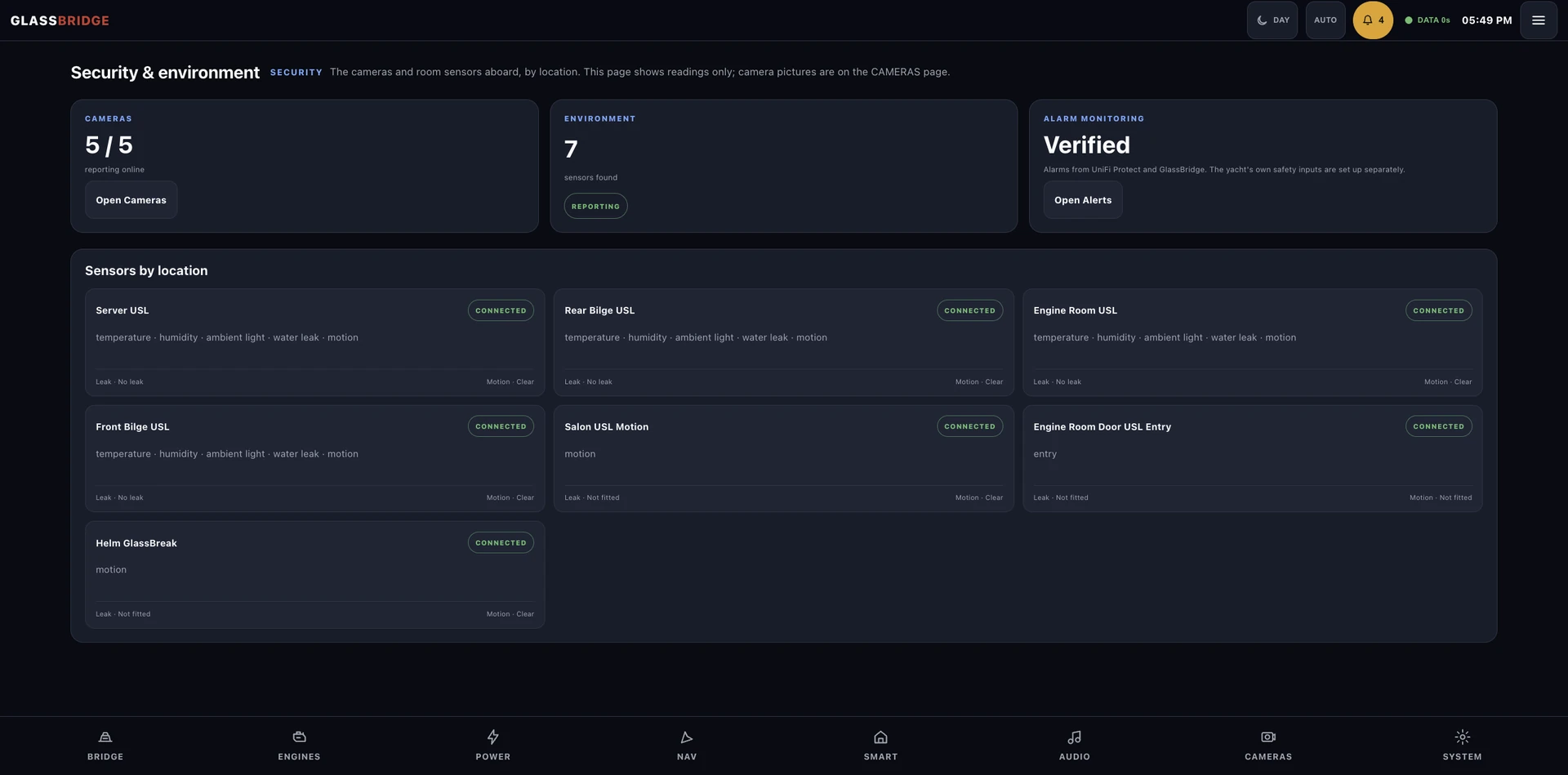
Camera health, environmental sensing and alarm history give every event its operating context.
Camera inventory, connection state, snapshots and selected onboard views identify the equipment that provides them.
Temperature, humidity, light, leak, motion, battery and radio state can share the same vessel context.
Active, return-to-normal, acknowledgement, silence, shelving and maintenance suppression remain separate audited states.
Event to incident
Guardian correlates supported camera events with vessel zones, sensor state and data health, then presents the incident and its evidence for review.
A supported camera, sensor or other connected device reports an event.
Time, equipment, zone, confidence and data quality stay attached.
Rules compare related readings and current vessel context.
An incident can retain the supporting event and available evidence references.
A person evaluates the incident, records the response and closes the outcome.
Advisory boundary: Guardian reports readings and camera or sensor detections with supporting evidence. It does not declare identity, intent, danger or an emergency as certainty.
Yacht-specific awareness
Guardian connects supported events to vessel zones, giving crew the context and evidence to assess activity aboard.
Onboard operation
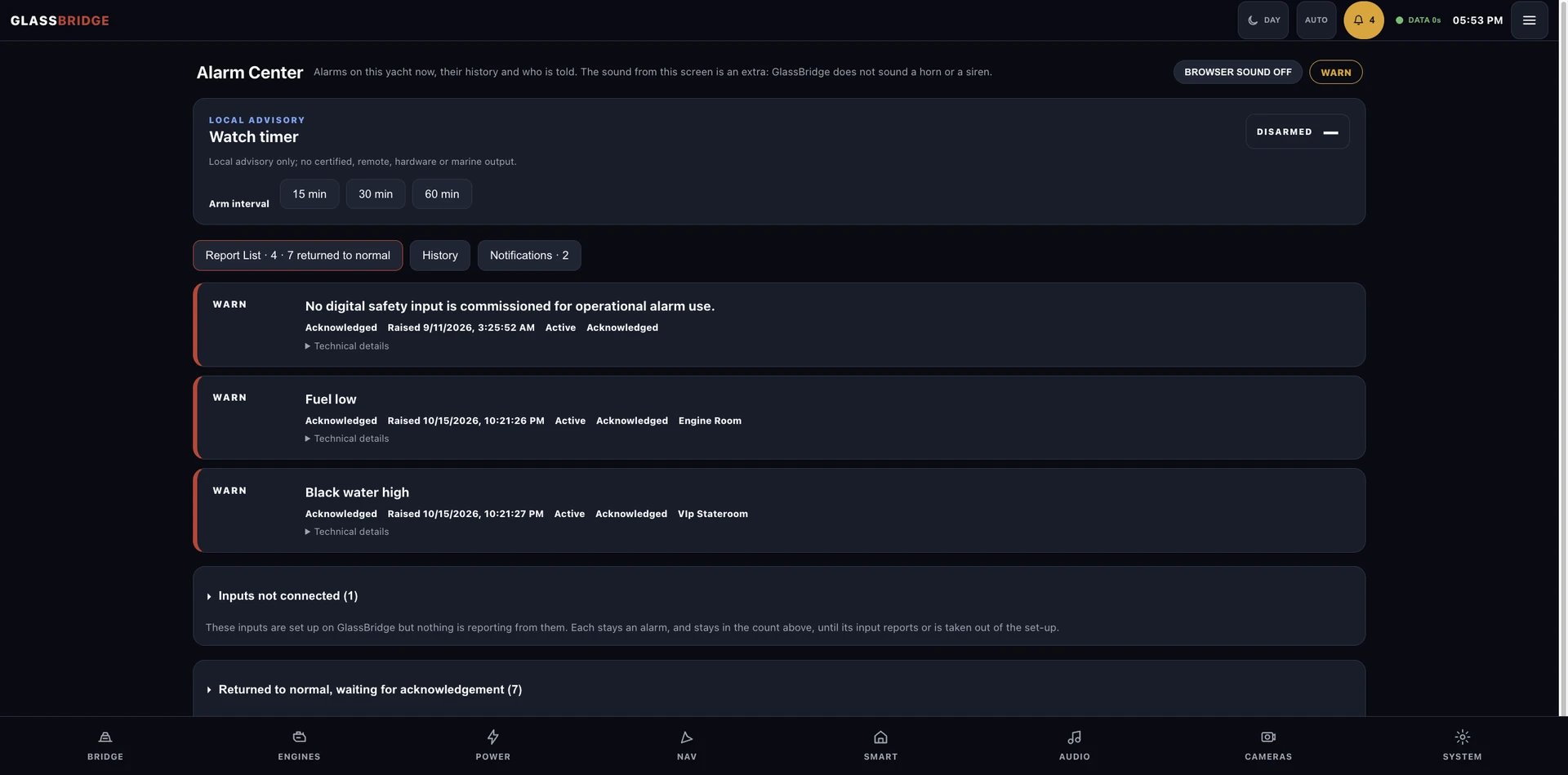
The Alarm Center keeps alarm state, acknowledgements and an advisory watch timer in one onboard workflow. Guardian incidents connect the events, supporting footage and crew response. The watch timer provides guidance for crew review.
Guardian walkthrough
Example Guardian workflow.
Camera events are detections for human review. Your security and safety procedures stay as they are; GlassBridge helps the crew review what happened.
Plan physical coverage and recording · See the onboard recorder’s role
Guardian installation
Guardian scope follows the installed camera capabilities, privacy requirements, operating zones and acceptance evidence for the yacht.