
Onboard software & appliance
The local appliance brings supported readings, history, alarms and allowed actions into the GlassBridge interface.
Software, equipment & commissioning
GlassBridge is an onboard software and integration platform. An installation combines a local appliance, chosen displays, connected equipment and a defined installation and testing scope.
The installation
The local appliance brings supported readings, history, alarms and allowed actions into the GlassBridge interface.
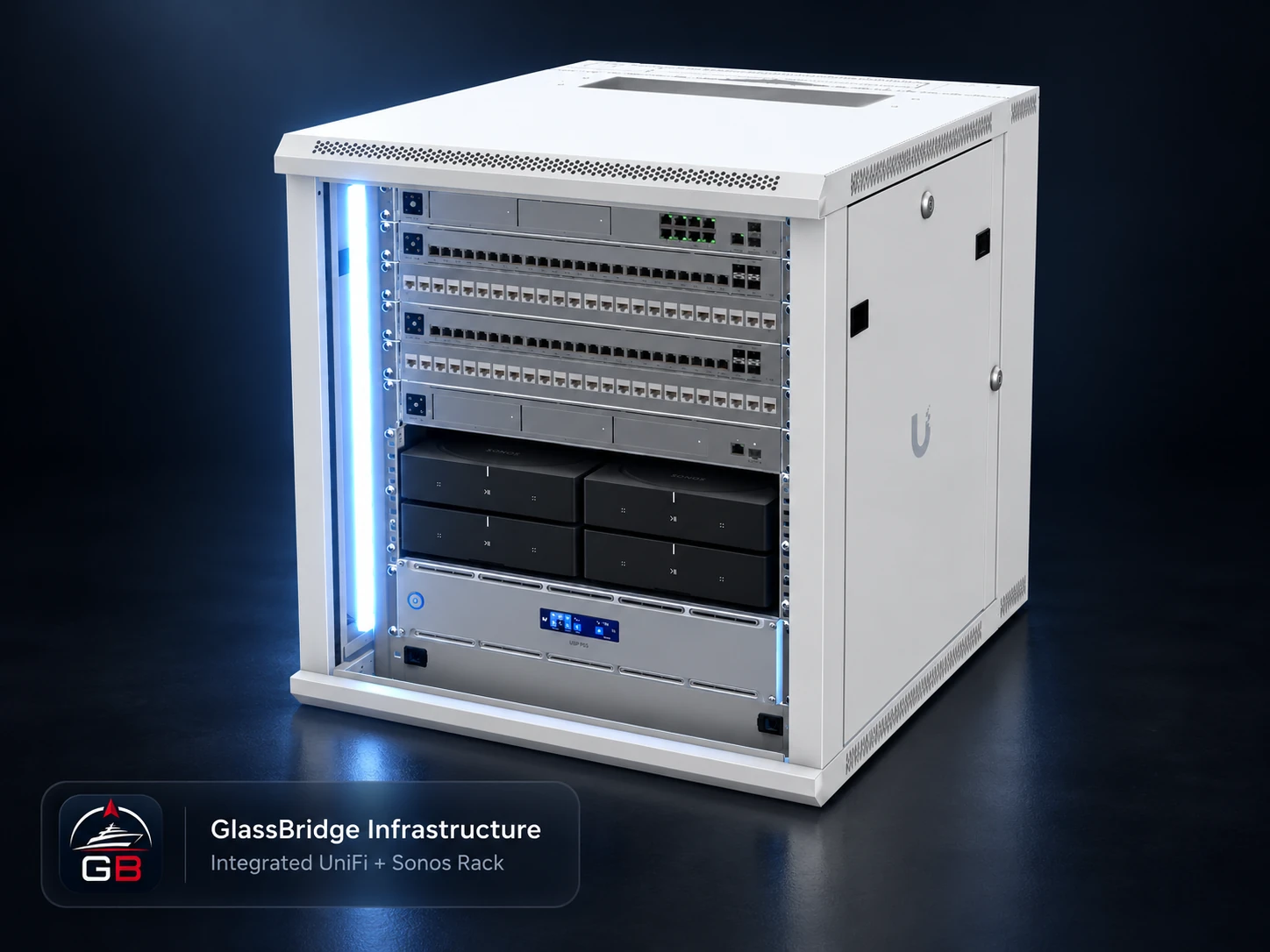
Choose helm and companion displays, then specify the network, power protection and any camera, access, audio or storage equipment the project needs. Existing equipment is reviewed before anything is added.
Identify make, model, firmware and interfaces. Test each equipment input, assign people and permissions, and record accepted readings and local actions.
Separately authenticated remote vessel visibility uses the yacht’s internet connection. Cloud access provides viewing only.
From review to handover
Bring the equipment list, display locations, users and required workflows.
Define software, hardware, interface coverage, responsibilities and installation checks.
Check readings, permissions, failure states and recovery. Retain the configuration and introduce the owner and crew to the accepted system.
The equipment package, commercial terms and ongoing service scope are agreed for each project.
Prepare the discussion
Build and refit checklist · Hardware choices · Integration evidence
Discuss your yacht