
Network
The gateway and switches connect the local appliance, displays and equipment. PoE can power compatible access points, cameras and docks over their network cable.
GlassBridge installation guides
Understand the GlassBridge rack: network, camera recording, Sonos audio, UNAS storage and UPS protection, with separate data and power paths.
GlassBridge product guide · Updated 14 October 2026
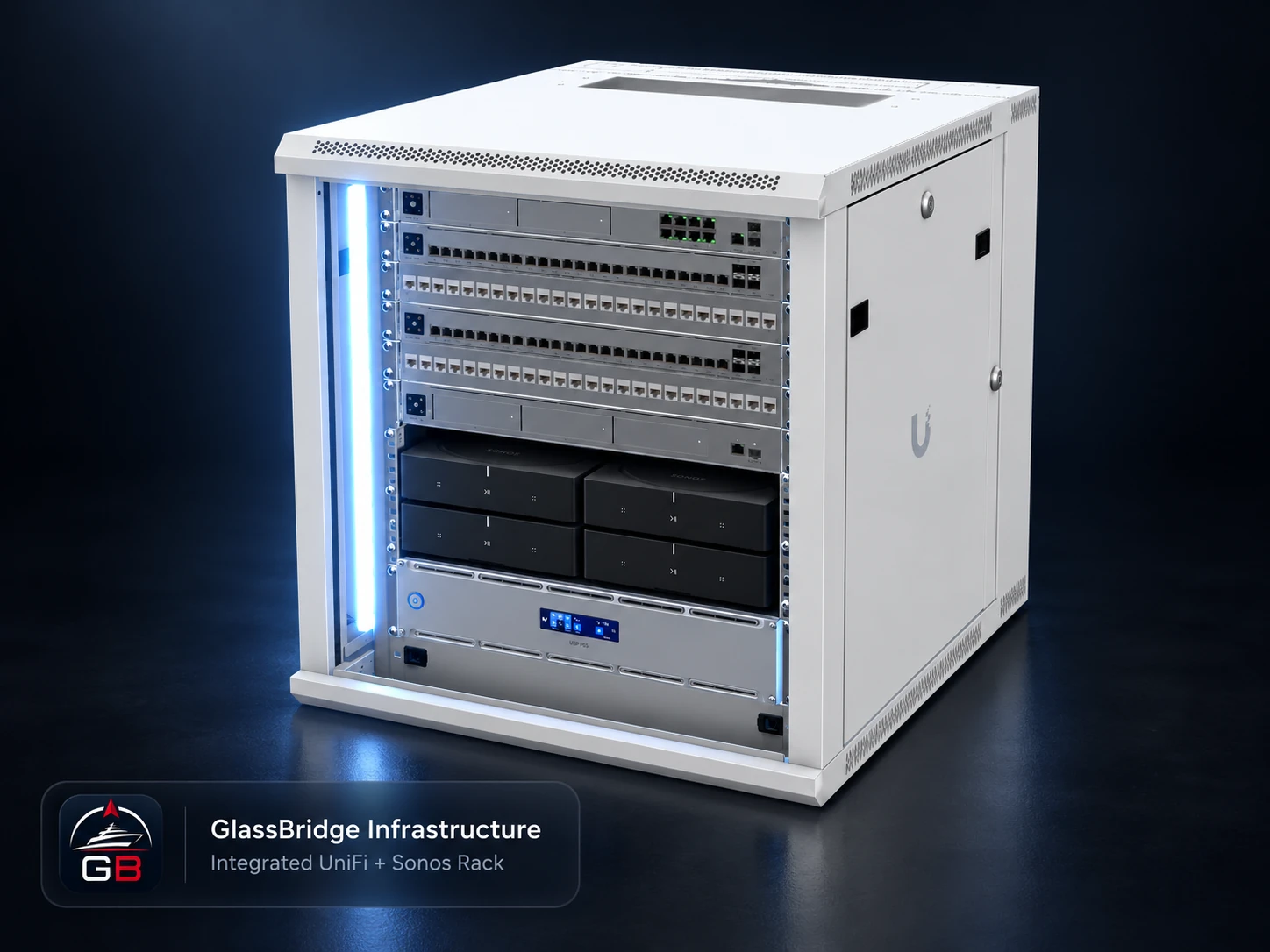
GlassBridge Infrastructure · Product Film
See the local network, computing, recording, storage and protected power behind the onboard experience.
Network, recording, audio, storage and power
The rack brings the network, storage, recording and selected audio equipment into a serviceable location. Each device retains its own job. The installation defines the connections, ventilation, power demand and access for maintenance.
The gateway and switches connect the local appliance, displays and equipment. PoE can power compatible access points, cameras and docks over their network cable.
The local recorder retains camera media. Crew can keep incident evidence with its review record in Guardian. Recording remains with the camera system.
Amp serves installed speaker zones and Port connects existing audio equipment. Room and source requirements determine where these belong in the system.
Keep movies, music, pictures, backups and vessel files aboard. Agree storage permissions and compatible playback routes; storage capacity and retention are installation choices.
The UPS supports selected IT loads through a brief interruption or changeover. Runtime depends on the selected unit, battery condition and actual connected load.
The appliance brings supported equipment data into the operator view and stores local records. Displays reach it over the onboard network.
Equipment and displays → network switch → local appliance, recorder and storage according to their roles.
Agreed vessel supply → suitable UPS → selected protected IT loads. Compatible PoE devices receive power from their switch.
These paths show roles, not a wiring design. Supply protection, earthing, load limits, ventilation and marine installation requirements need an installation-specific design.
Explore the approved rack hardware · Storage hardware · Whole-yacht audio · What works offline?